Give every product the detail it deserves.
Turn product research into clearer Amazon listings. Compare copy and images, keep what works, and approve what goes live.
Your review comes before sending to Amazon.
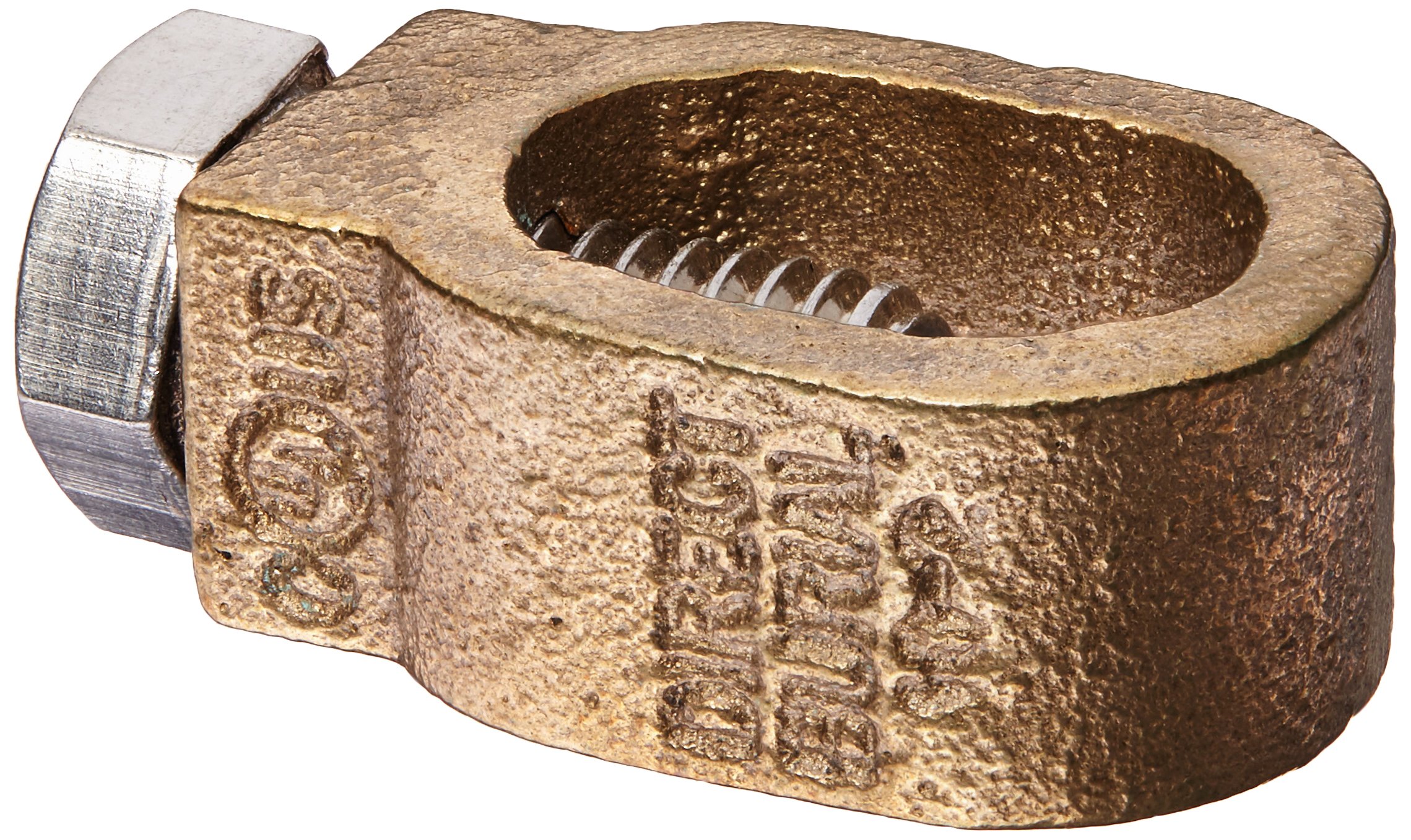
Grounding clamp
Features, turned into reasons to buy.
Current Amazon bullet
Features a metal body and screw assembly for grounding applications. Compact design.
Proposed bullet
Keep grounding connections secure without the bulk. The compact metal body fits neatly into tight spaces, while the screw assembly tightens the clamp in place.
From product research to a decision you can stand behind
A repeatable workflow for your catalog, whether you review one ASIN or manage several accounts.
- 1
Connect your catalog
Connect your Amazon account and choose products to work on. Use the review queue or add your own priority ASINs.
- 2
Review the details
Compare existing content with proposed copy and images. Keep the original, choose a proposal, or request a revision.
- 3
Approve, then send
Check which products receive the changes. Approve your selection, confirm the send, and follow Amazon’s response.
Good copy starts with understanding the product
Six research dimensions give you context for each proposed update. Open the analysis whenever you need a closer look.
More about Big Detail Page- Competition
- Understand positioning and differentiators.
- Customers
- Explore buyer needs and motivations.
- Benefits
- Make the product’s useful details easier to find.
- Purchase barriers
- Find questions the listing should answer.
- Keywords
- Review relevant search terms and content gaps.
- Opportunities
- Decide which improvements deserve attention.
Before you get started
Will changes go live automatically?
You choose the content and approve the version you want to use. Sending to Amazon is a separate confirmation. Amazon then processes the submission.
Can I keep my existing copy or images?
Yes. Compare the versions, keep an original, choose a proposal, or request a revision before approving.
Can I work across multiple accounts?
The review queue covers your connected accounts. Priority ASINs and the product catalog follow the account selected in your workspace.
What if I’m not ready to decide?
Set the item aside with Revisit later. Your content choices and review decisions are kept.
Your next listing deserves a closer look
Connect your account and start with one product.