A clearer picture of your product.
Seven image slots, planned around what buyers need to see. Start with your ASIN and build from your actual product photography.
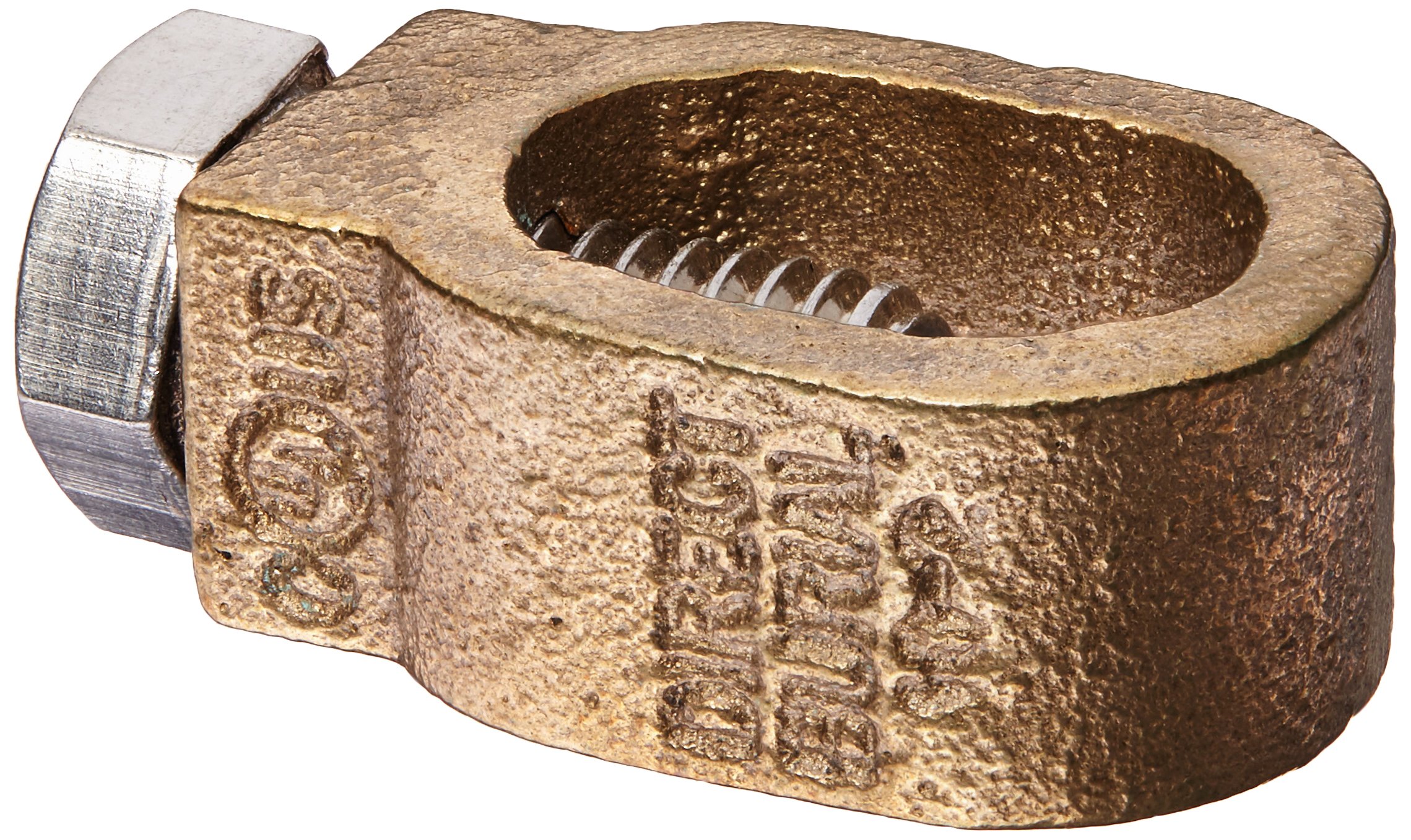
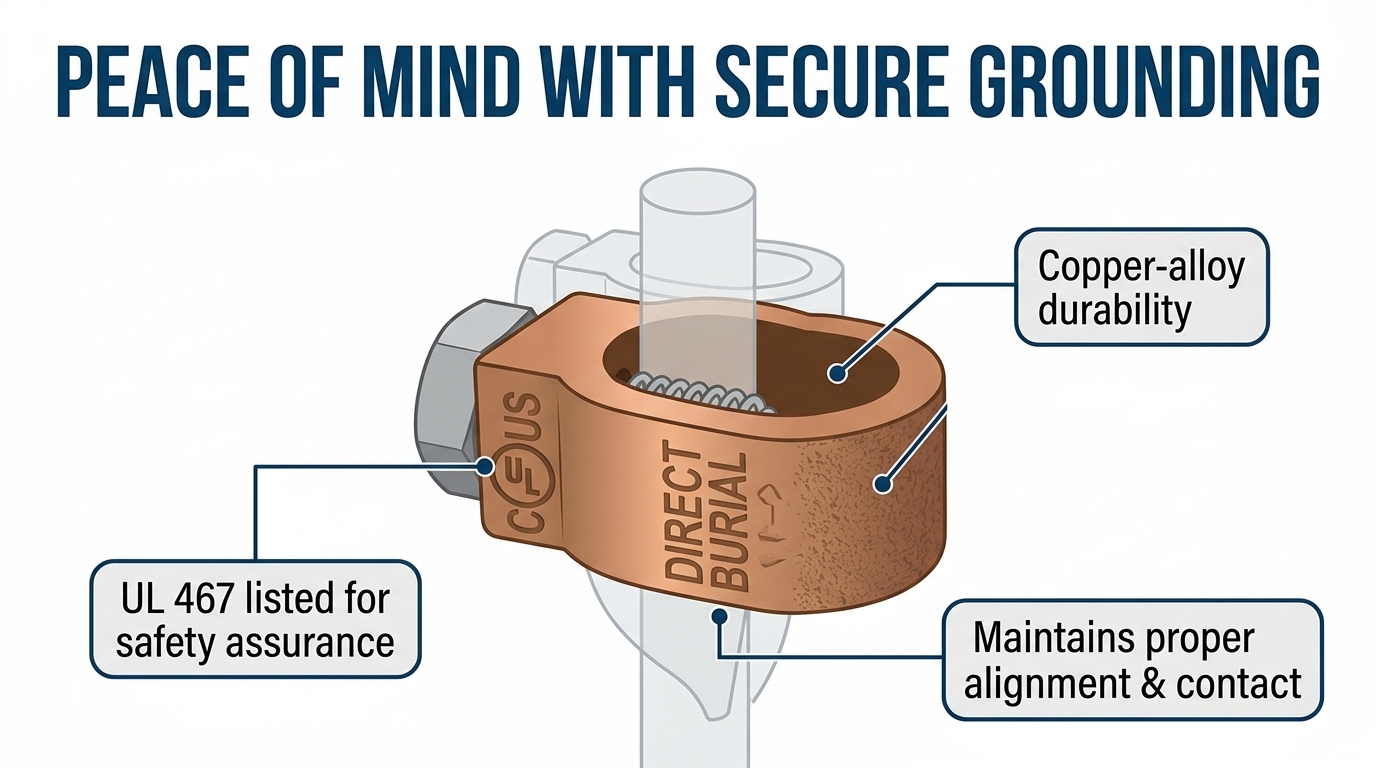
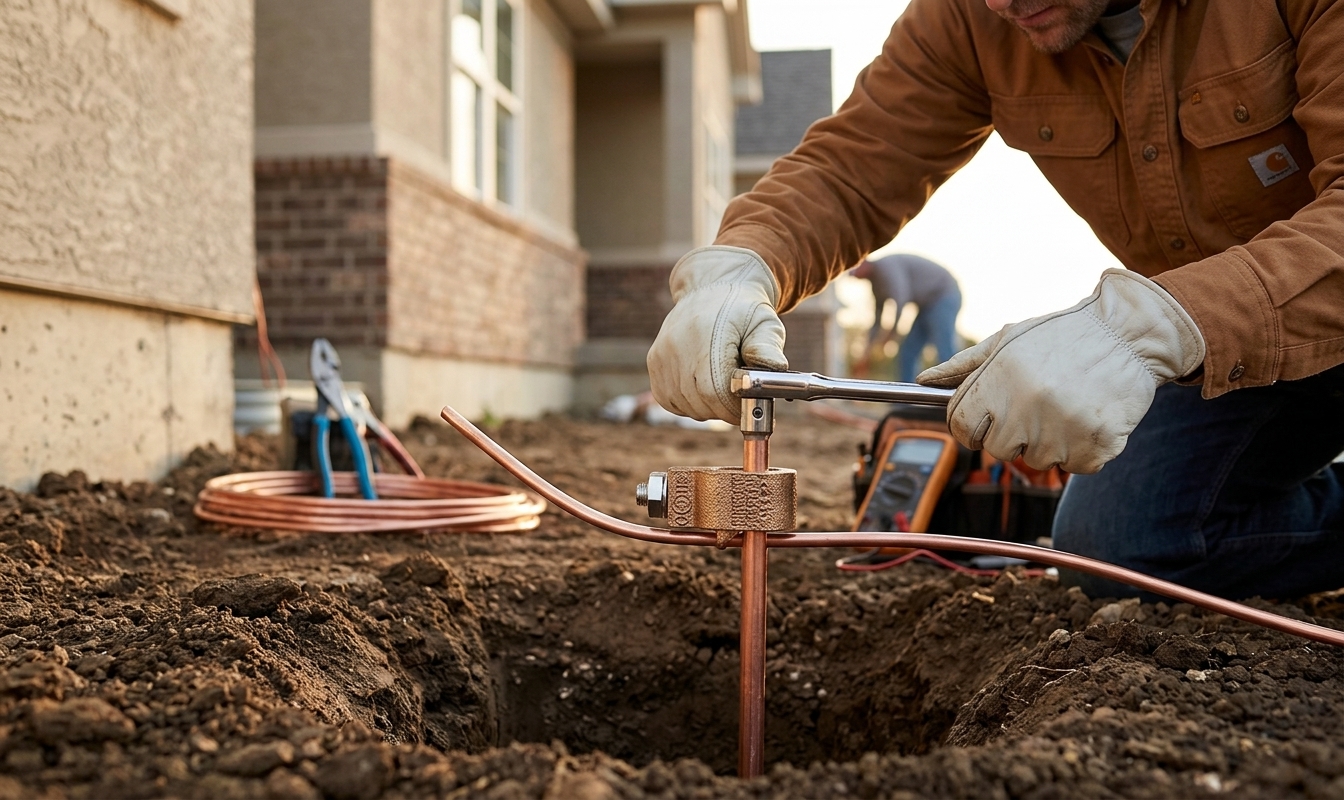
Each image has a job to do.
A product image should answer a buyer’s question. The image plan connects each slot to your product research.
- 1
Find your product
Enter an ASIN to start from the listing and existing product photography.
- 2
Build the image plan
Research informs the main image, supporting images, product details, and supported callouts.
- 3
Review the result
Inspect the actual product, claims, and image quality before approving any content for use.
Choose the package you need.
One-time image packages. No subscription required.
Single ASIN
$49 per product
- 7 image files
- Slot-by-slot image strategy
- Grounded in your product photos
- 2000 × 2000px, sRGB delivery
- 24-hour delivery
Listing set
$149 full listing package
- Everything in Single ASIN
- Strategy export in PDF and JSON
- Rationale for each image slot
- Asset requirements brief
- Production difficulty and confidence scores
Check the image, not just the specs.
The main image needs the actual product on pure white, without added text, graphics, lifestyle scenes, or props. Supporting images can explain the product with supported callouts and context.
Technical checks are one part of review. Confirm the product’s appearance, size, quantity, and claims before using an image.
Ask about your product